- Open a list and click Add Insight. Pick a default insight such as Headcount, Industry or LinkedIn.
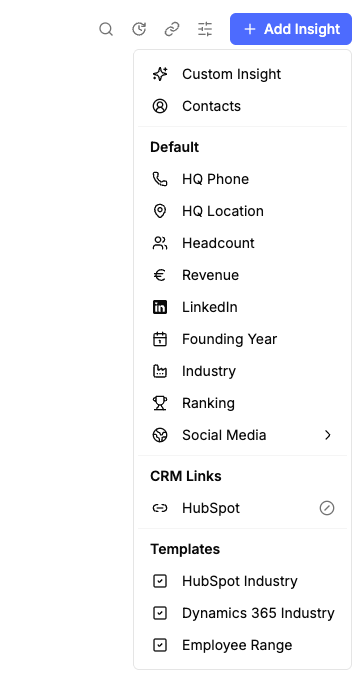
- For your own question, choose Add Custom Insight, type the Question, pick an answer type (text, number, yes/no, choice, date, URL, address) and optionally add context.
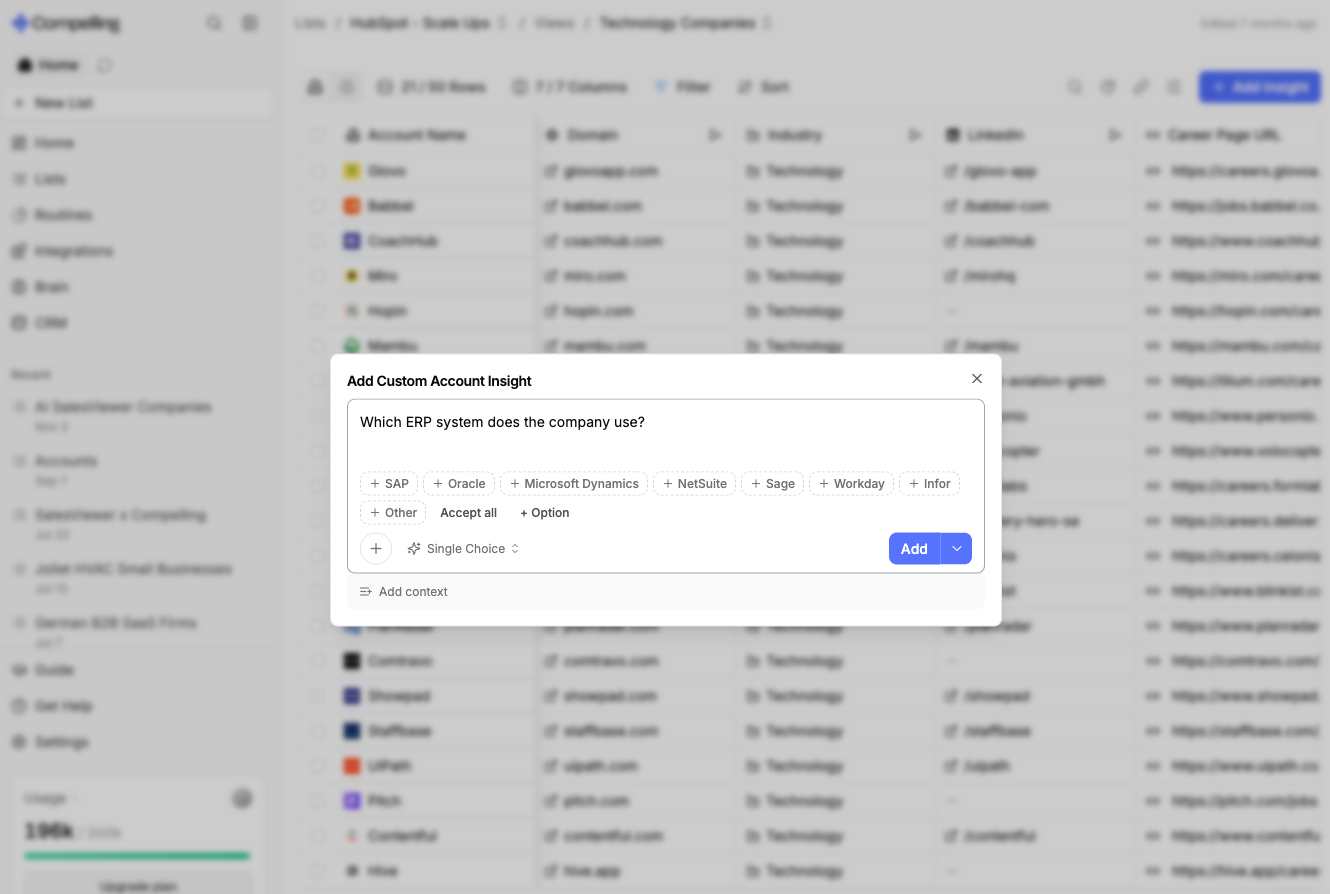
- Click Save & Run or Save Only.
- Later, run it from the play button in the column header: Start for all rows, Start for first 10 rows or, with rows selected, Start for … selected rows.
An account insight costs credits per answer found, more with context. Answers that are not found or fail cost nothing. The app shows the most a run can cost before it starts.