- Search: use the Search list… field at the top of the list.
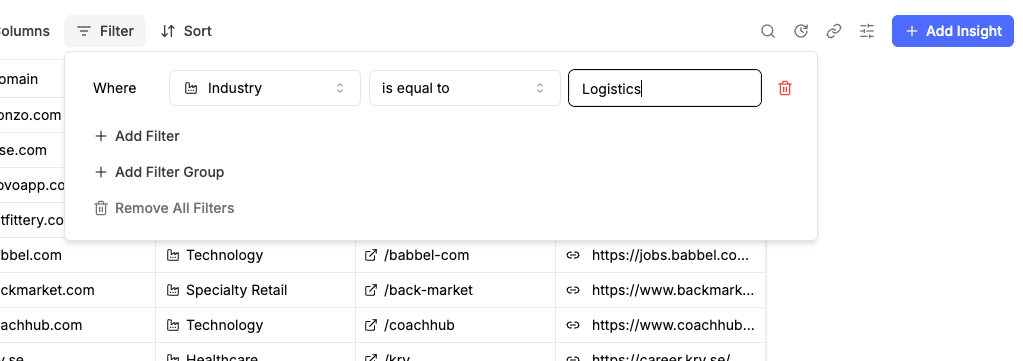
- Filter: click Filter, Add Filter, choose column, operator and value, then Apply Filter.
- Sort: click Sort, choose column and direction, then Apply Sorting.
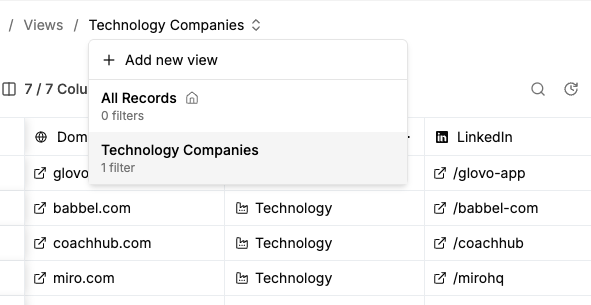
- Views: a view is a saved way of looking at the list, with its filters, sorting, shown columns, column order and row selection (Rows). Views belong to the list, so your whole team sees the same ones. Every list has a default view, marked with the house icon in the Views menu (named All Records at first).
- Whatever you change in filters, sorting, columns or rows is only a draft for you at first. Update view saves it into the open view, Save as new view (in the arrow next to it) creates a new one from it, Reset throws it away. Switching views drops unsaved changes. The search is never saved.
- In the Views menu: Add new view creates an empty view, the pencil renames. Other views are deleted with the trash icon, right away and without asking. The default view cannot be deleted, only reset to empty settings, which also removes its filter.
- The default view drives the automation: in lists with an ongoing import (OMR Reviews, SalesViewer, Leadfeeder, HubSpot, Pipedrive, Dynamics 365, Attio), its saved filter and its shown insight columns decide which new companies and which columns are researched automatically. A filter or hidden column that is only a draft, or saved in another view, saves no credits. The default view must be on Accounts, not Contacts, for this.
- Under Settings › View: Copy link to view copies the link with everything you currently see, unsaved changes included. Save as a new list turns a view into a list of its own; for the open view, what you currently see counts.