- Click New List in the sidebar.
- In the dialog, pick a source: File upload for CSV or Excel, a connected integration (for example a CRM), or Add a connection for a new one.
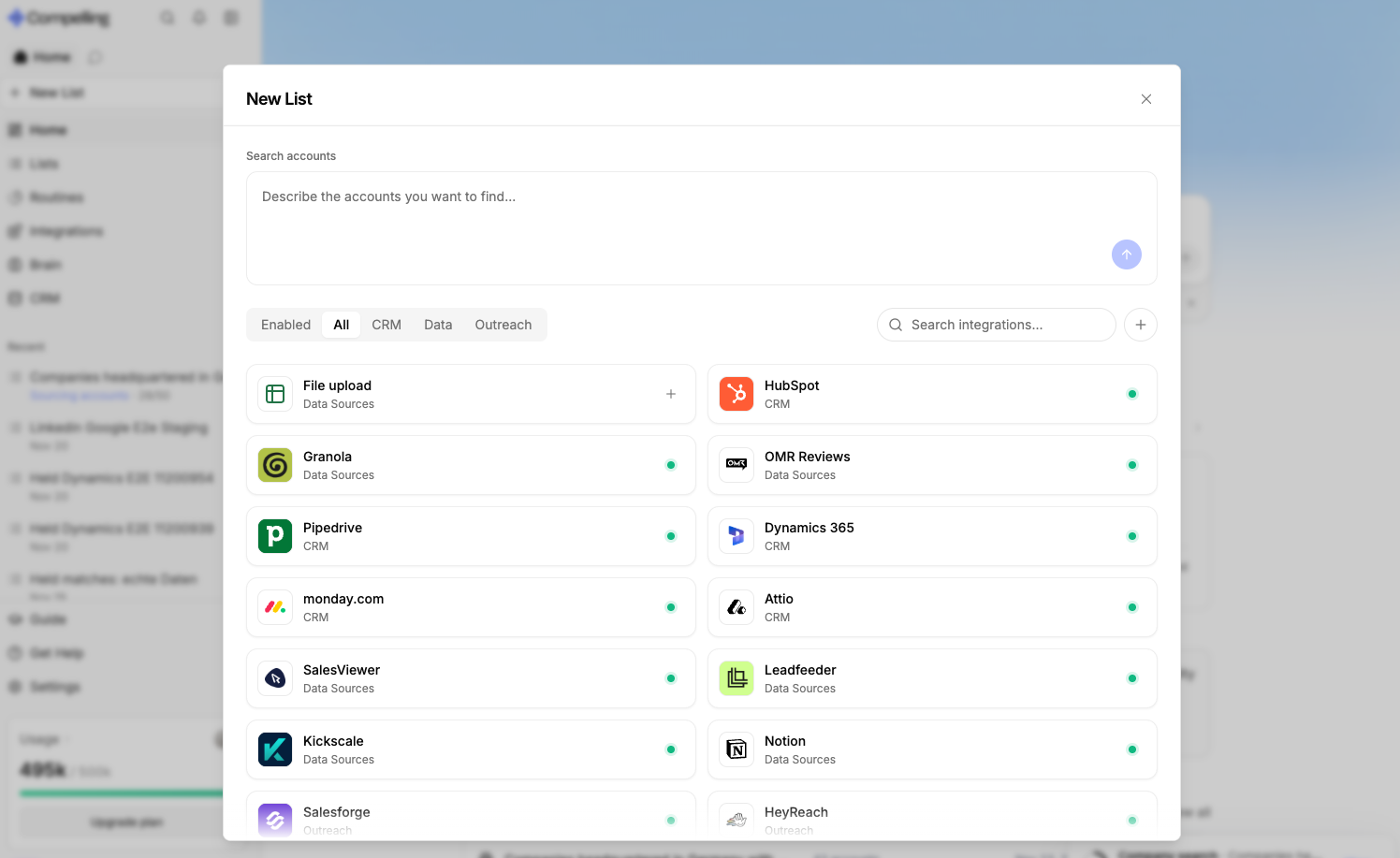
- To find new companies, describe them in the Search accounts field and submit. You land on the home page with a preview.
- Adjust the criteria and the Amount of Accounts, then click Create List. Matching accounts are added over the next few minutes.
Account search costs credits only for accounts that match all criteria, and the price grows with the number of criteria. The preview shows the cost before it starts.