- Your remaining credits are shown at the bottom of the sidebar. The coin icon there opens Credit costs.
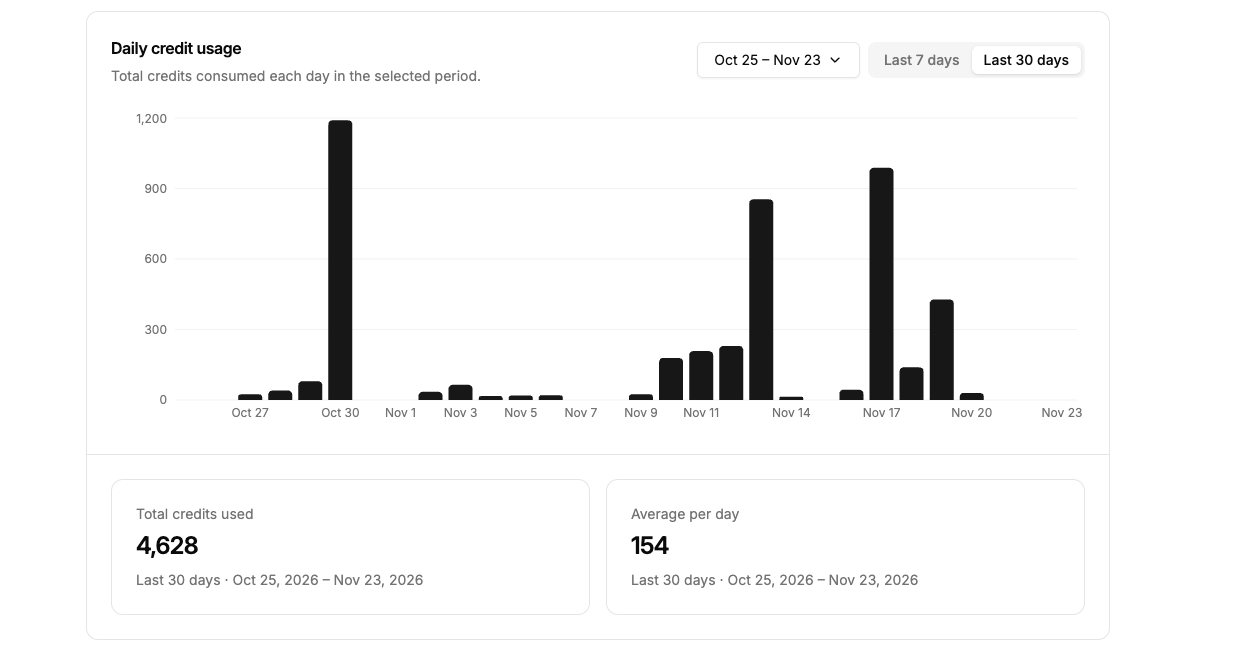
- Settings › Usage shows Credits left, the Included credits and Extra credits with their expiry or renewal date, and the workspace’s Daily credit usage (Last 7 days, Last 30 days or Custom). What expires first is used first.
- If you run out, Not Enough Credits appears and the action does not start. Without credits, ongoing imports bring in no new companies; after a top-up, everything that came in meanwhile arrives at once and is researched. Get more credits at the bottom of the sidebar books a call with the team, or write to hello@compelling.ai.
Costs: Credit costs lists what each action costs. Answers not found or failed cost nothing, and answers already found are not charged again when you rerun. Failed answers from ongoing imports in the last 10 days, including those that failed for lack of credits, are retried automatically and charged then. Chatting with elli costs no credits.